
BigQuery Object Tables: A Practical Introduction

BigQuery has always been a SQL engine for tabular data. Object tables add an interesting twist to that.
Instead of rows containing values, an object table gives you one row per file — pointing at data stored in Cloud Storage: images, PDFs, audio, video, or JSON.
Each row includes:
→ the GCS URI
→ file metadata (size, content type, updated timestamp)
→ a hidden data column that can be passed directly into ML functions
That last part is especially important. You can feed that data straight into ML.GENERATE_TEXT or AI.GENERATE_EMBEDDING — meaning you can run inference on unstructured data directly with BigQuery SQL .
BigQuery is no longer just querying tables. It’s increasingly becoming an execution layer over files and AI models too.
Let's now walk through a practical example.
First, we're going to start with a Google Cloud Storage bucket.
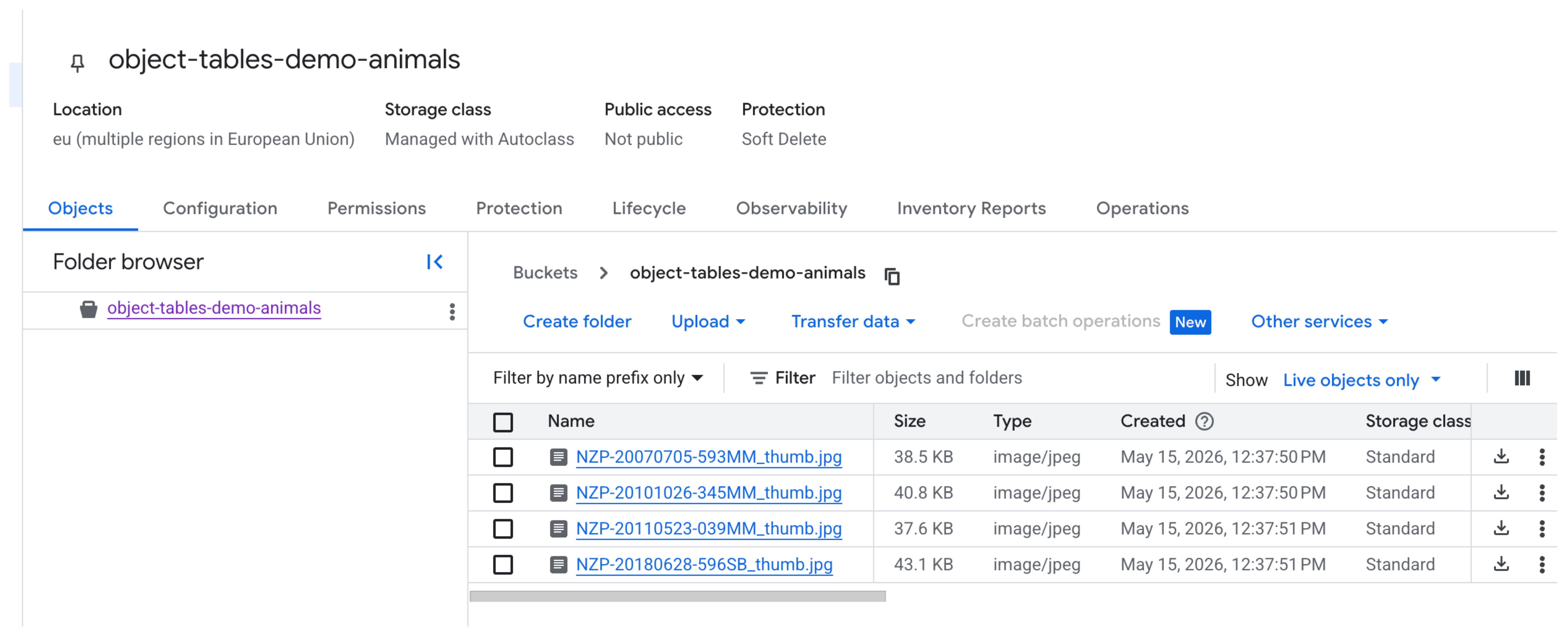
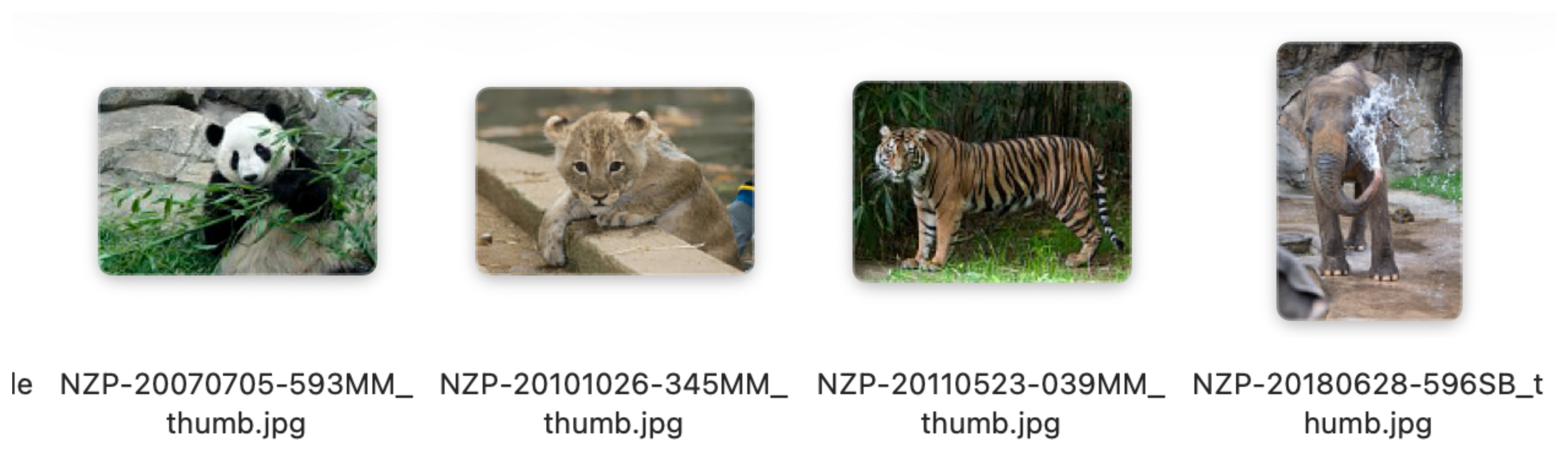
These are images of animals sourced Open Access Animals collection.
Next, just like in the BigLake tutorial we'd need a BigQuery connection created with its service account being granted both storage.objectViewer on the bucket and Vertex AI User on the project.
We can now create the object table:
-- 1. Create the object table
CREATE OR REPLACE EXTERNAL TABLE `learning.animals`
WITH CONNECTION `projects/PROJECT_ID/locations/eu/connections/demo-biglake-connection`
OPTIONS (
  object_metadata = 'SIMPLE',
  uris = ['gs://object-tables-demo-animals/*.jpg']
);
Here are the fields exposed:
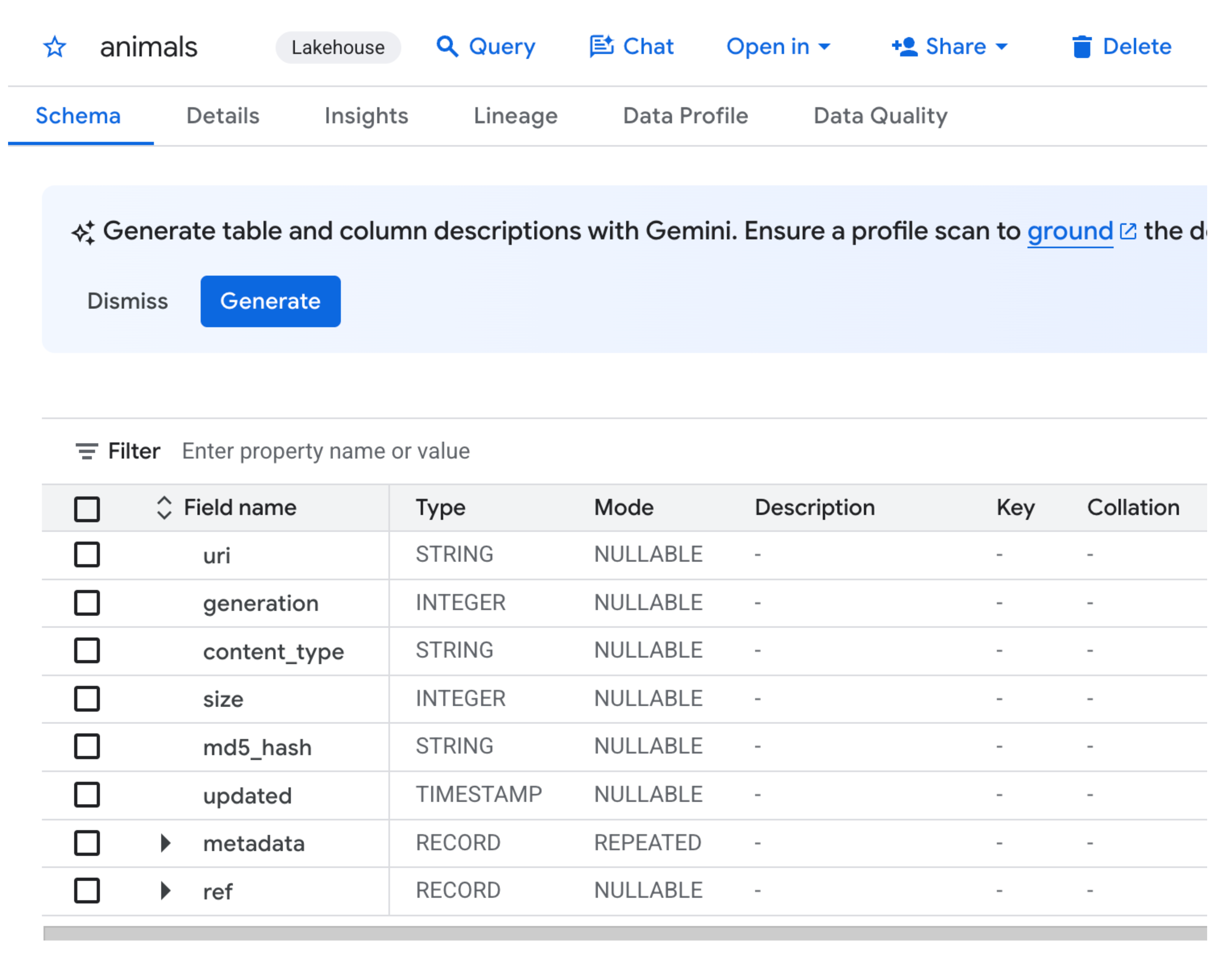
SELECT * FROM `learning.animals`
We can now create the model that we will be passing these images to.
-- 1. Create a remote model pointing at Gemini
CREATE OR REPLACE MODEL `PROJECT_ID.learning.gemini_flash`
  REMOTE WITH CONNECTION `projects/PROJECT_ID/locations/eu/connections/demo-biglake-connection`
  OPTIONS (endpoint = 'gemini-2.5-flash');
We're going to use ML.GENERATE_TEXT function, providing the object table to the model we've previously created to identify what animal is depicted on each image.
-- 2. Run inference over the object table
SELECT
  uri,
  ml_generate_text_llm_result AS animal_detected
FROM
  ML.GENERATE_TEXT(
    MODEL `PROJECT_ID.learning.gemini_flash`,
    TABLE `PROJECT_ID.learning.animals`,
    STRUCT(
      'What animal is depicted in this image? Reply with just the animal name.' AS prompt,
      TRUE AS flatten_json_output
    )
  );
As you can see, the model correctly identified each of the animals.
The animal detection example might look simple, but it opens new possibilites. Product image classification, PDF extraction, audio transcription would have the same approach. If your data lives in GCS and your questions can be expressed as a prompt, BigQuery can now answer them.
Thanks for reading and stay tuned for more content like this.